
7 Steps to Grow ROAS With Your Product Feed

Make your product feed your ROAS advantage
Performance Max doesn’t change your product ROAS; it picks products to achieve your target RoAS. But improvements to your product data DO drive RoAS:
Better images - higher CTR
Better titles - more impressions, higher CTR
Better custom labels - better targeting
Better data fields - better search intent match
Better landing pages - improved conversions
If you want to move the needle, stop obsessing over campaign settings and start with your product feed. That’s where Google pulls intent signals, decides what’s eligible to show, matches you to searches, and chooses which SKUs to push.
Here are 7 steps to turn your feed from a product feed into a ROAS driver, the stuff you can actually control.
Step 1: Find the winners, don’t guess

Before you touch anything, find what’s already working. Most teams skip this and go straight to “optimisation”, then wonder why performance stays flat.
Review winners by:
brand, category, product type
custom labels
colours, styles, materials
price bands, delivery windows
Why it moves ROAS: By starting with this step, you can identify pockets of wasted spend and determine where to allocate budget.
Step 2: Cut predictable losers, and pick winning products
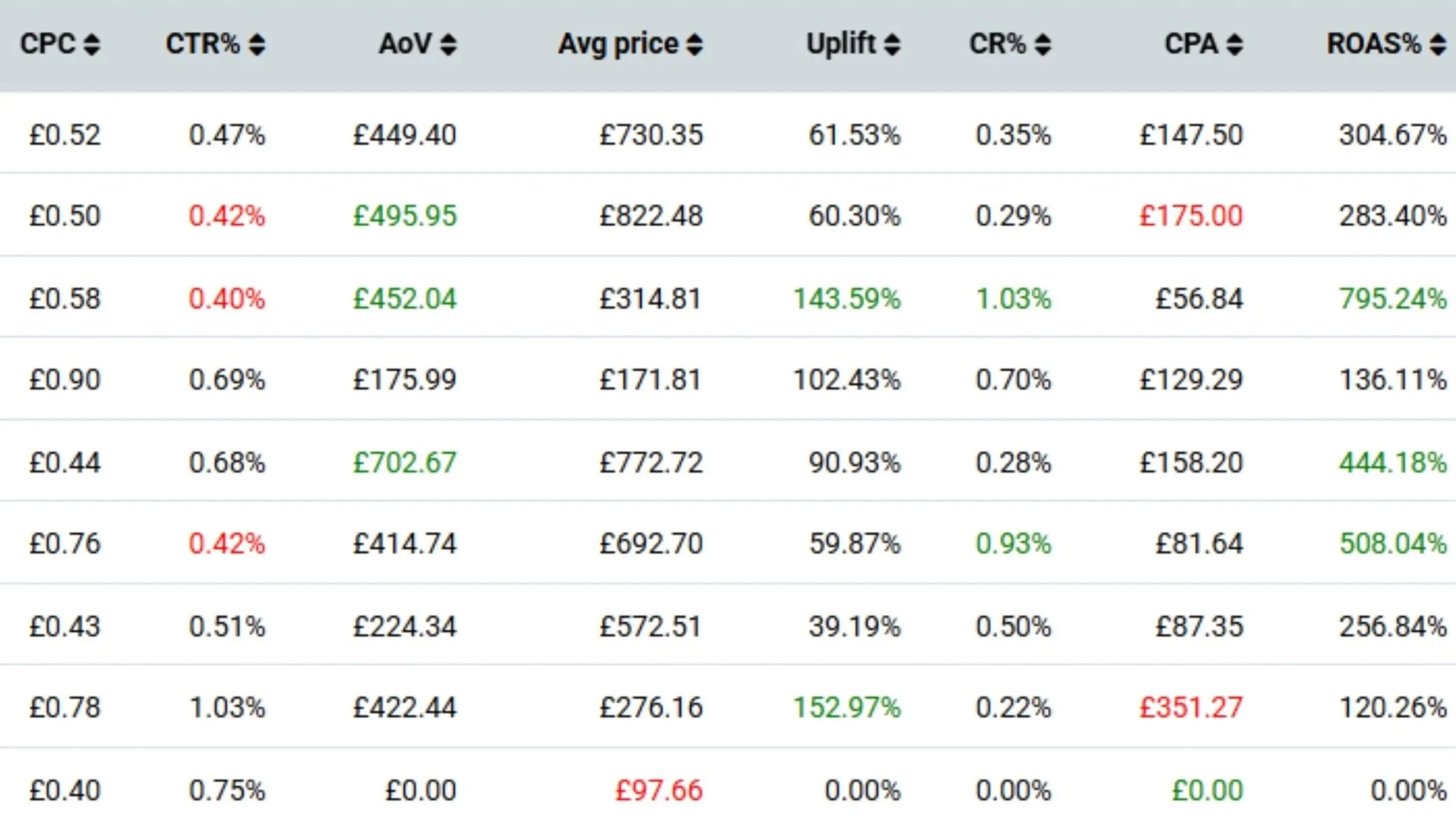
ROAS efficiency is often found in what you stop pushing. Some SKUs are ROAS poison, and you can usually predict them before the algorithm “learns” it the hard way.
Look for:
where you’re genuinely price competitive.
low stock depth and broken size runs
long lead ties that crush conversion
weak images that don’t earn the click
poor reviews and high bounce, trust killers
price outliers, products materially above the market benchmark
You want Shopping to lead with products that win the click and conversion. And to products which won't sell out organically!
Why it moves ROAS: you stop paying to promote products that can’t win, and you steer spend towards products that convert and lift basket value.
Step 3: Stop sending Shopping clicks to a dead-end PDP
ROAS doesn’t die in the ad; it dies after the click. And Google Shopping clicks are usually research clicks.
If you terminate your Shopping campaigns on product pages that show a single product, it gives the shopper only one option. If it’s not right, they leave. That’s lost engagement, lost conversion, and ROAS leakage.
Shoppers want choice. Filters. Alternatives. Fewer clicks to find the right option.
That’s exactly what this fixes. Our landing page solution turns single product clicks into category browsers, encouraging the shopper to browse alternatives, filter, compare, and keep shopping your range.
Why it moves ROAS: higher engagement rate, higher conversion rate, stronger post-click signals.
Step 4: Make promos, and sale prices do their job
This is one of the quickest wins in the feed. If you’re running a promo but your feed isn’t reflecting it properly, you’re hiding your best offer from the auction.
Do this:
keep sale_price accurate and consistent
use Merchant Center Promotions properly, don’t cram promo text into titles
align messaging with what shoppers care about: price, savings, urgency, and delivery
make sure the landing page backs up the promise instantly
Even embed it directly onto the image (shhh - don’t tell Google!)
Why it moves ROAS: stronger price signals lift CTR and conversion, and waste less spend on mismatched clicks.
Step 5: Make titles earn clicks

Product titles are still one of the biggest controllable levers you have. This is where product feed optimisation becomes search intent optimisation.
Do this:
enrich and optimise product data first, so you’ve got attributes to work with
build category title masks and test structures, don’t do a “one-size-fits-all”
lead with primary search term and get core attributes into the first 70 characters
keep it clean, dont make it keyword soup
Why it moves ROAS: better relevance lifts CTR, and higher CTR improves efficiency and learning.
Step 6: Make images win the thumbnail
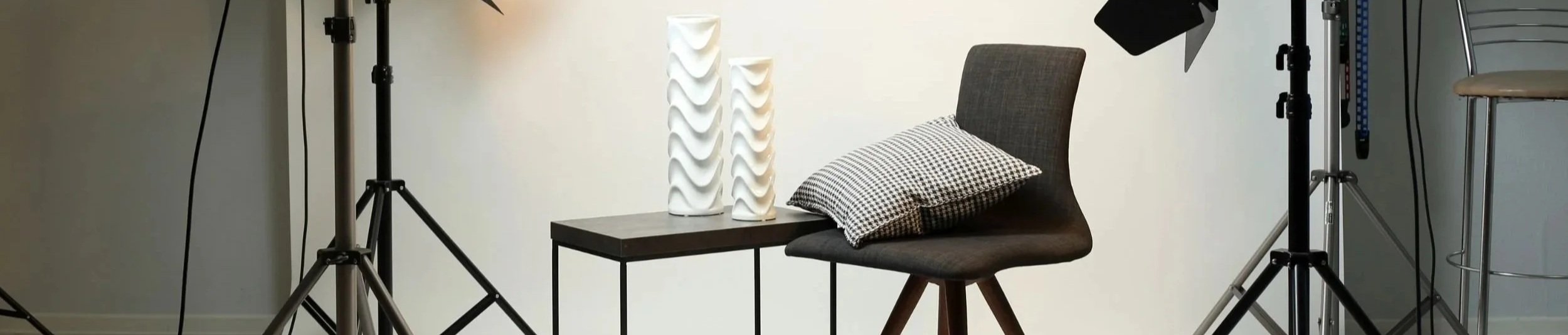
Shopping is visual. If the product image is weak, you lose - Simple!
Do this:
make sure the main image reads instantly at thumbnail size
add close-ups so shoppers can see quality fast
keep variants accurate; mismatches kill trust
test lifestyle vs white background, then keep what wins
Why it moves ROAS: higher CTR improves efficiency and gives Google better signals.
Step 7: Structure campaigns around commercial reality
Once your feed signals are stronger, your campaign structure needs to match reality. Most brands keep the same structure while the products change underneath them, then blame the algorithm.
Do this:
segment by price position, separate competitive products from premium outliers
segment by margin and stock depth so spend follows profit, not just click volume
separate testing from scaling so experiments don’t drag down core ROAS
Why it moves ROAS: you stop blending winners and losers, control volatility, and back the products most likely to convert profitably.
Bonus step: Three teams. One plan.
Brand, feed partner, media agency. If everyone’s chasing different goals, ROAS will wobble.
Get aligned on the commercial priorities and the performance targets, then your feed signals, landing pages, and campaigns all pull in the same direction.
Next steps
Request your free Google Shopping feed audit, and we’ll pinpoint the quickest wins to lift CTR, conversion rate, and ROAS, and show you how feed management can supercharge your results.
